

How to create group on ATReads
ATReads is a popular social networking platform founded by Razib Paul in 2019. It allows users to read and write stories.
It's an online community where writers can share their original works, and readers can discover and engage with a wide range of stories across various genres. users to connect with friends, family, and acquaintances, as well as discover and engage with content shared by others.
Creating a group on ATreads is a simple process.
Here's a step-by-step guide:
-
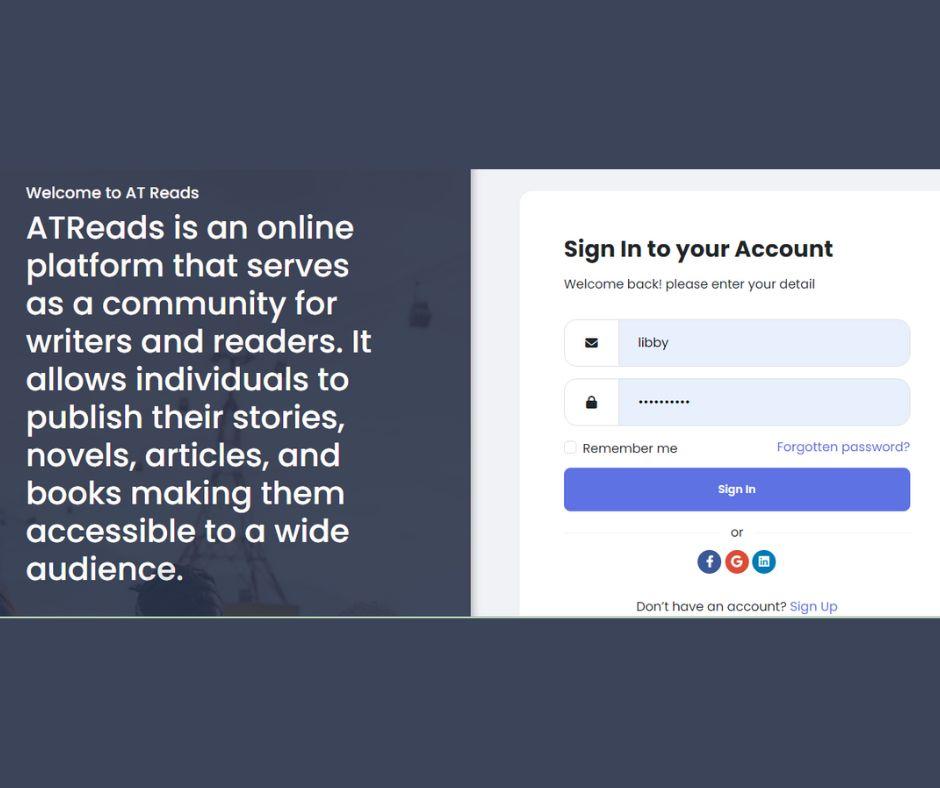
Log in to ATReads: Ensure you are logged in to your ATReads account. If you don't have an account, you'll need to create one.
- Navigate to Groups: From the ATReads homepage, find the "Groups" tab in the left sidebar. Click on it.
-
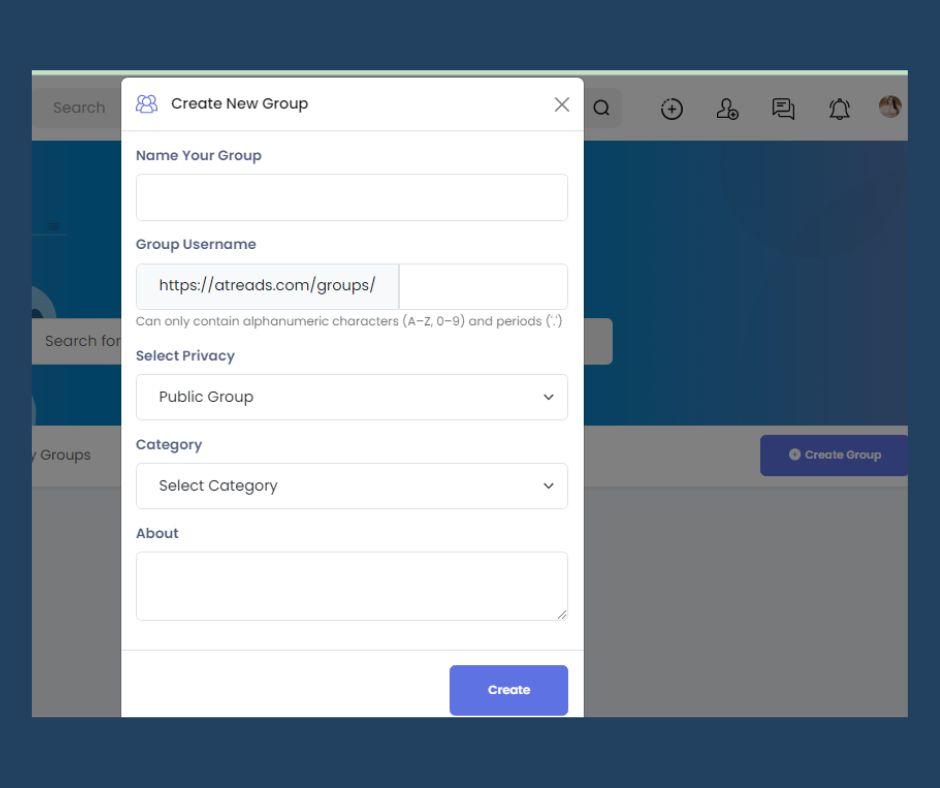
Create a Group: On the Groups page, click the "+ Create Group" button.
-
Fill in Group Information:
- Choose a name for your group.
- Add members: You can start typing friends' names, and ATReads will suggest friends for you to add to the group. You can also skip this step and add members later.
- Choose the privacy setting for your group. Options typically include Public, Closed, and Secret.
- Public groups are visible to anyone, and anyone can join.
- Closed groups are visible to anyone, but members must be approved by an admin.
- Secret groups are not visible to anyone except the members, and new members must be added by an admin.
-
Customize Group Settings:
- You can customize additional settings such as group description, tags, and whether or not the group should appear in search results.
- You can also choose whether new members can be added by anyone or only by group admins.
-
Create Group: Once you've filled in the necessary information, click the "Create" button.
-
Add a Group Photo: Upload a group photo to make your group visually identifiable. You can skip this step if you prefer.
-
Start Posting: Congratulations, your group is now created. Begin posting content, discussions, or updates to engage with your group members.
Remember to actively manage your group, moderate discussions, and ensure that the group's rules (if any) are followed. Groups are a great way to connect with like-minded people and share information within a specific community.


- Book Reviews & Literary Discussions
- Writing
- Reading List
- Arts and Entertainment
- Personal Development
- Storytelling
- Startup
- Books
- Biography
- Dance
- Drinks
- Entertainment & Pop Culture
- Health & Fitness
- Education & Learning
- Food & Cooking
- Jogos
- Gardening
- Self-Care & Mental Health
- Home Decor & DIY
- Literature
- Music
- Networking
- Outro
- Party
- Philosophy and Religion
- Local
- Shopping
- Relationships & Dating
- Sports
- Theater
- lifestyles & hobbies/shutterbugs
- Lifelong Learning
- Tutorial
- Announcement
- Inspirational Stories & Motivation

 English
 Arabic
 French
 Spanish
 Deutsch
 Turkish
 Dutch
Dutch
 Italiano
 Russian
 Romaian
 Portuguese (Brazil)
 Greek
Greek
